For funeral homes
Protect staff time and offer a premium family upgrade without replacing the slideshow workflow you already use.
For funeral homes, celebrants, and celebration-of-life planners who want a dependable memorial video partner. Keep your current slideshow software for simple services. Send Refresh the high-touch cases: old photos, damaged prints, large submissions, edits, and families who want something beautiful.
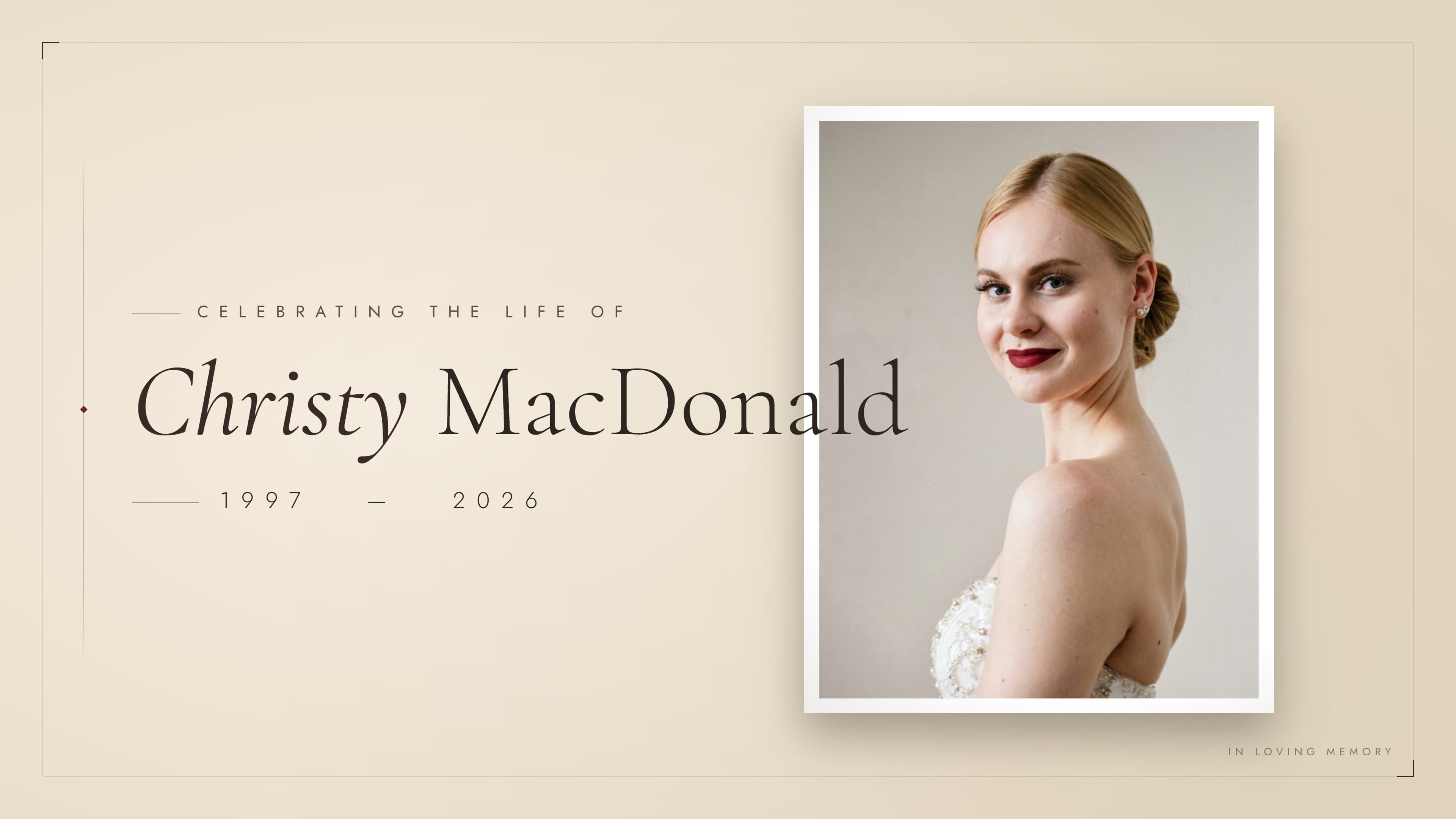
Already using Photopia, Tukios, MeM, or another slideshow tool? Keep it. Refresh is for the cases where the family wants restored photos, higher polish, or a done-for-you production partner.
Protect staff time and offer a premium family upgrade without replacing the slideshow workflow you already use.
Give families a beautiful tribute video without becoming the editor, exporter, or technical support desk yourself.
Generate a private upload link in one click. Send it to the family.
Families upload up to 150 photos from any phone or computer. No app, no account.
They can choose a rough order or leave notes. Refresh handles the actual timeline.
We check the video, audio, and export before sending the chapel-ready MP4 and family share link.
Included with every video: photo cleanup that would cost up to $250 as a standalone restoration job.
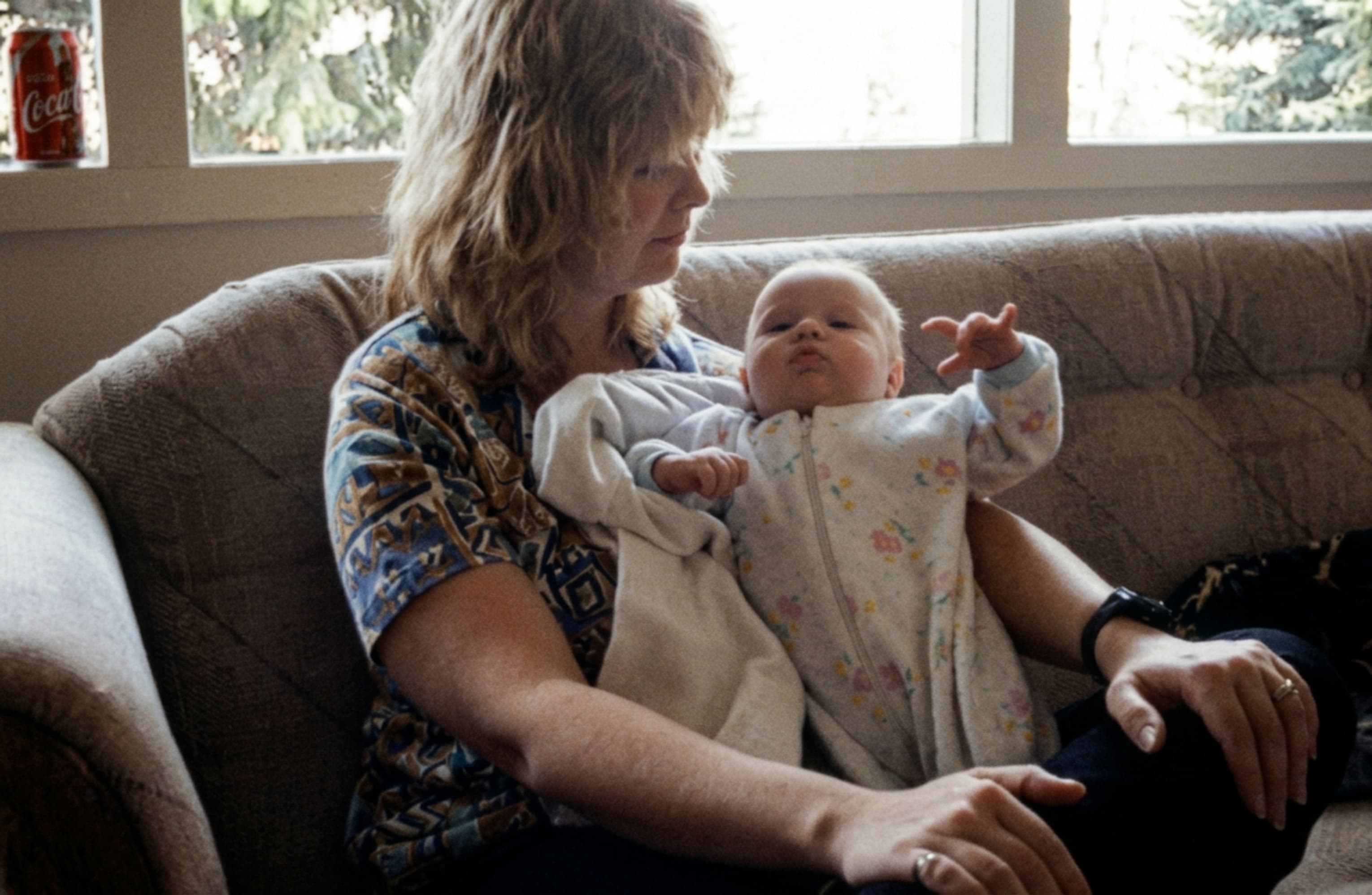
Refreshed photo 1
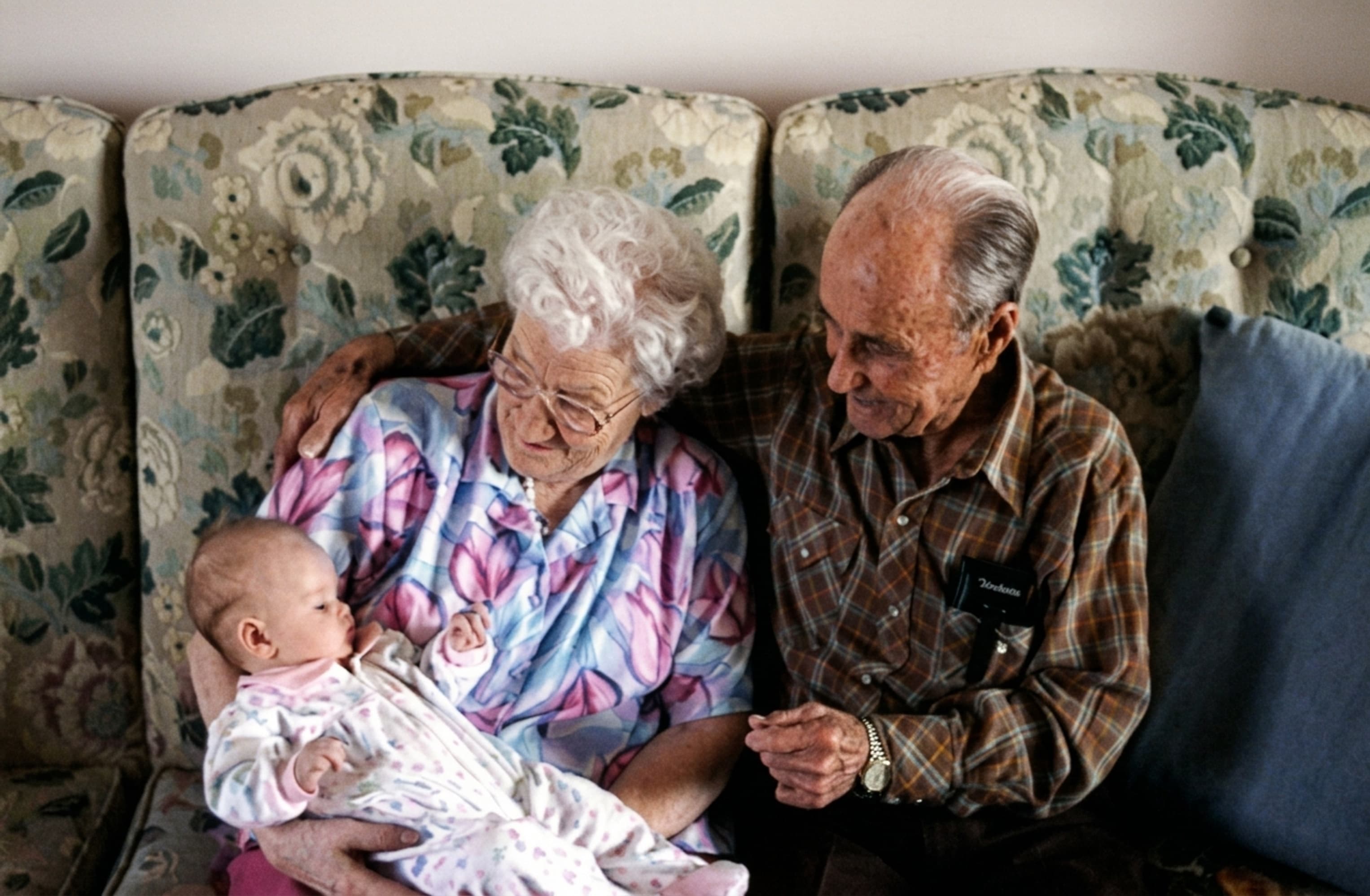
Refreshed photo 2

Refreshed photo 3

Refreshed photo 4
01020304No one at the funeral home has to drag clips around a timeline. We build the video, pace the photos, add tasteful transitions, and prepare it for chapel playback.
If a name, date, photo, order, or music direction needs to change before the service, we handle it and send back an updated file.
We do one specific thing: the slideshow. You keep everything else exactly as it is.
Somebody on your team — usually the youngest, frequently you — spends their evening dragging files into a template. It gets done because it has to. But every hour spent troubleshooting a transition is an hour not spent on arrangements, families, or pre-need contracts.
Partner Access
$199/mo
includes your first video
Memorial videos
$199
per completed video
Includes photo cleanup and upscaling for up to 150 images
Comparable standalone restoration value: Over $350
Includes:
Tell us how many families you serve. We'll show you what you'd save.
How many memorial videos do you produce per month?
You get back
That's 240 hours a year — 6 full work weeks.
Ongoing partner math:
Partner Access costs $199 / month
includes your first video
Additional videos cost $199
4 paid add-ons this month
Take-home this month
$755
Every video is exported for chapel playback, checked for audio and image quality, and delivered as both a downloadable MP4 and a share link for the family.
Name, dates, background tuned for clarity.
Glare, low-res, and scan damage corrected for chapel-screen display.
Dignified transitions only. No flashes or animations.
Clean instrumentals, fully licensed.
Plays on Windows, macOS, smart TVs. Share link included.
We'll handle it, send the finished file, make needed corrections, and confirm it plays before you decide whether to keep using us.
It means your staff does not have to build the slideshow, troubleshoot the timeline, clean up bad images, export the file, or coach the family through software. Refresh handles production and sends back a reviewed chapel-ready video.
No. The family upload page collects photos, order, and notes. Refresh builds the video for you, so your staff does not have to learn an editor or troubleshoot a timeline.
No. If something needs to be corrected before the service, send the change through the portal. We can update the file and issue a fresh MP4 and share link.
Your first completed memorial video is free. If you continue, Partner Access is $199 per month and includes your first video. Additional memorial videos are $199 each, with no contract required.
Refresh delivers a polished memorial slideshow within 24 hours after the family submits the photos. You receive a chapel-ready 4K MP4 and a share link for the family.
You create a private upload link and send it to the family. Anyone can upload from a desktop or mobile browser, add notes, and choose an optional order. No app, no account, and no file-format coaching.
Families can upload up to 150 photos for a memorial video. They can delete images, arrange the order, and submit the final set when they are ready.
Yes. We clean glare, low-resolution files, scan damage, scratches, and creases so the photos look better on chapel screens. Photos are restored and upscaled for 4K chapel playback.
Yes. Every memorial video includes cleanup and upscaling for the submitted photos, up to the package limit. Comparable standalone restoration value: Over $350.
Yes. We can improve many old family photos, including faded prints, vintage photographs, scratched scans, creased images, and photos with age-related discoloration.
Yes. We reduce grain, digital noise, and scan artifacts carefully so the image looks cleaner without losing the natural character of an older photograph.
Yes. We upscale low-resolution images, sharpen soft details where possible, and prepare the final photos for big-screen viewing in a chapel or funeral home.
No, and that is intentional. We remove distracting damage, glare, blur, scratches, and low-resolution artifacts, but we preserve a natural archival texture so the video does not look plastic or overprocessed.
Yes. We use AI in some workflows, including photo cleanup, upscaling, and restoration support. Real people still guide the process, review the work, and prepare the final memorial video.
You receive a universal MP4 that plays on Windows, macOS, smart TVs, chapel systems, laptops, and USB-ready setups. We also include a share link for the family.
Client assets are treated as private property. We do not sell data, use family photos to train public networks, or maintain permanent archives. Submitted family files are permanently deleted 90 days after the scheduled service date.
No. The upload portal tells the family their files are being digitally processed and optimized for chapel playback when they submit them.
If a family contacts you close to the service because an image needs to be removed or a date corrected, notify us via the portal. We can replace the file, adjust the timeline, and issue an updated download link quickly during normal operating hours.
Yes. Before sending the photos for video creation, the family can include customization requests for things like photo order, title details, music direction, or anything else they want us to know.
We build the video and send it back. We contact you once after delivery to confirm the MP4 ran correctly on your chapel system. If you want future services, the portal is there.